How to automate lead follow-up without writing code
Lead follow-up is the single highest-ROI automation any small business can build. Not invoicing, not onboarding, not social media scheduling. The first message a prospect receives after raising their hand determines whether the deal is won or lost to whoever responded faster. Speed wins.
We've tracked this pattern across every industry we cover. The businesses that automate lead follow-up first outperform the ones that start anywhere else, and the performance gap is not small. We're talking about conversion rate differences of 300% or more between companies that respond in minutes and companies that respond in hours.
This is a practical guide to building that automation on three platforms, without writing a single line of code, with real costs attached to every option.
The cost of slow follow-up
The MIT Lead Response Management Study analyzed over 100,000 call attempts across 15,000 leads and found that contacting a prospect within five minutes makes qualification 21 times more likely than waiting 30 minutes. Not twice as likely. Twenty-one times. The study drew from three years of data across six companies that generate and respond to web-based inquiries, making it one of the most cited pieces of sales research ever published.
The decay curve is exponential, not linear. After five minutes, qualification rates drop by a factor of ten. After one hour, they drop by a factor of six again. Every minute of delay collapses the probability that your lead converts. The math is unforgiving.
And 78% of customers buy from the company that responds first. That single statistic should reshape how you think about your sales process. Product quality, pricing, brand reputation. None of it matters if a competitor sends the first email before you do.
Here is where the picture gets worse. Research from the Sales Management Association shows that 48% of sales reps never make a second follow-up attempt, and 44% abandon the process entirely after a single try. One attempt. Done. Yet 80% of closed deals require between five and twelve contact attempts before the buyer commits. The gap between what selling actually demands and what most teams deliver is enormous.

A joint report from Drift and the Sales Management Association found that 73% of internet leads are wasted because businesses fail to follow up adequately. For small and mid-sized businesses, that number climbs to 81%. We've seen companies spending thousands per month on Google Ads and Facebook campaigns while letting the majority of those leads sit in an inbox overnight, untouched until morning.
The fix costs $10 to $60 per month depending on the platform. We've watched businesses cut their lead response time from six hours to under 60 seconds with a single automation workflow. The revenue impact dwarfs the tool cost by orders of magnitude. Spending money to generate leads without automating your response is paying to fill a bucket with a hole in the bottom.
Three ways to automate it
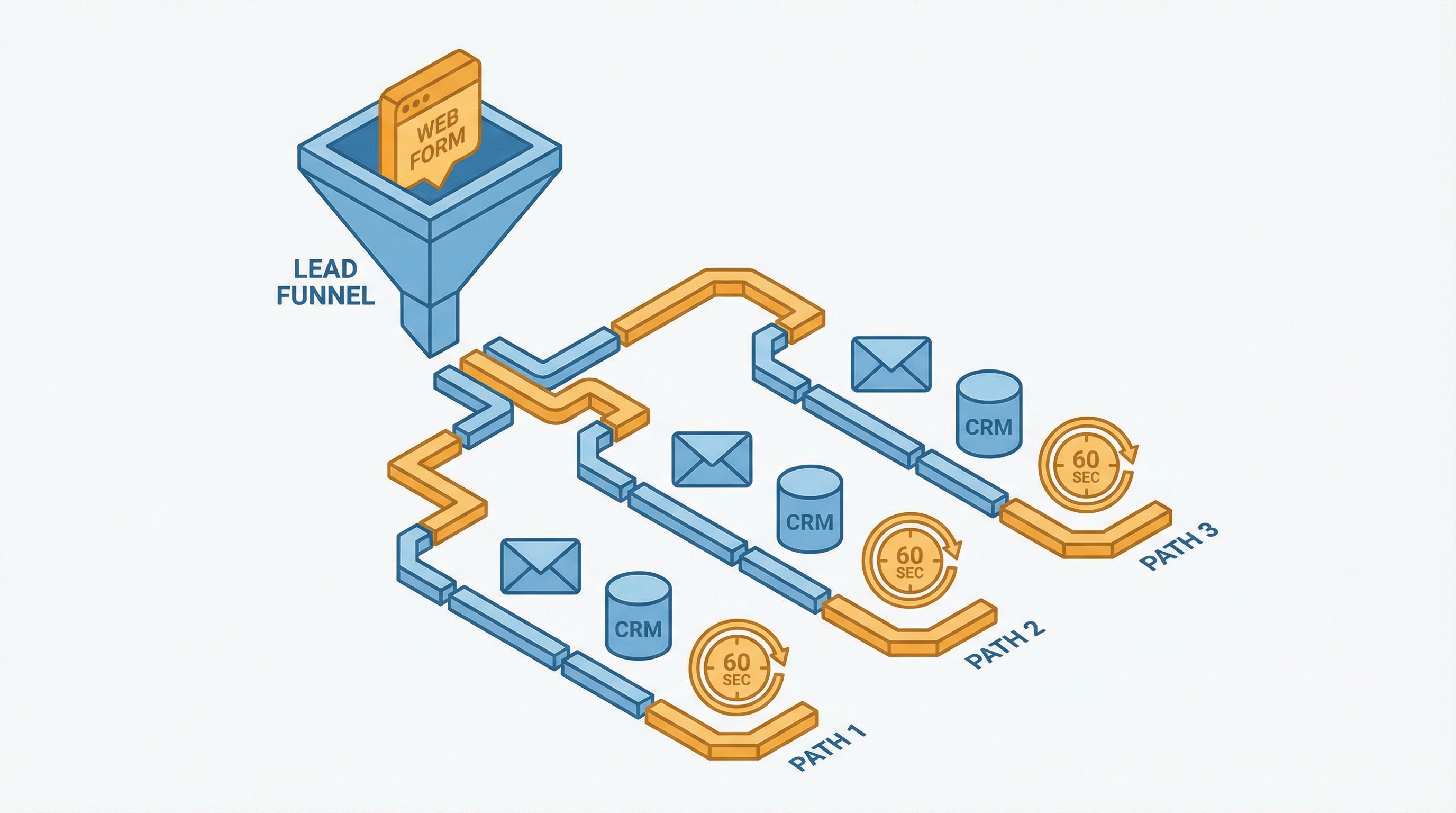
Every platform handles this differently. The workflow logic is the same across all three: a lead arrives through a web form, gets added to the CRM, receives an immediate email response, and triggers a notification to the sales team. The difference is how each platform counts usage and what it costs you at real business volumes.
Zapier: fastest to launch
Zapier connects to over 7,000 apps and has the lowest setup friction of any automation platform on the market. A working lead follow-up flow can be running in under 30 minutes using the template library, even if you have never built an automation before.
The workflow structure is straightforward. A form submission triggers the Zap. Your lead data gets cleaned and formatted through a Formatter step. A contact is created in your CRM. A personalized email goes out within 60 seconds of submission. A Slack notification hits the sales channel with all the lead details. A follow-up task gets created and assigned to the right rep.
Six steps per lead. Each step counts as one task on your Zapier bill.
That means 200 leads per month consumes 1,200 tasks. The Professional plan starts at $29.99 per month for 750 tasks. Most businesses exceed that allocation in the first month. Budget $49 to $69 per month once overages kick in. At 1,000 leads per month, the bill climbs to $89 or more because 6,000 tasks pushes well past the base tier.
Zapier is the right starting point when speed matters more than cost and your lead volume stays under 500 per month. Beyond that threshold, plan to migrate.
Make: best value for most businesses
Make charges per operation, similar to Zapier's task model, but at dramatically lower prices. The Core plan costs $10.59 per month for 10,000 operations. Your same six-step lead workflow consuming 1,200 operations per month fits comfortably inside the base tier with 8,800 operations to spare.
The visual scenario builder handles branching logic well. Leads can be routed differently based on source, deal size, or geography without creating separate workflows. Error handling requires more manual setup than Zapier, and Make charges for attempted operations rather than just successful ones. A scenario that fails on step four still charges for steps one through three. Failed runs cost money.
We analyzed the cost difference at 1,000 leads per month. Zapier runs $89 or more for 6,000 tasks. Make stays at $10.59 because 6,000 operations fits inside the Core plan without triggering overages. The gap widens with every lead.
The learning curve is about one extra hour compared to Zapier. That single hour saves you $20 to $40 per month at 200 leads, and your savings compound every month the automation runs. Worth the afternoon.
n8n: cheapest at scale
n8n counts entire workflow runs as single executions, not individual steps. Your six-step lead follow-up workflow counts as one execution per lead, regardless of how many nodes it contains. This pricing architecture makes n8n dramatically cheaper at volume.
Cloud pricing starts at 24 euros per month for 2,500 executions on the Starter plan. At 200 leads per month, you are using 8% of your allocation. At 1,000 leads, still under the cap.
The self-hosted Community Edition is free. Unlimited executions. We've documented deployments on DigitalOcean running over 150,000 monthly executions at about $50 per month in hosting costs. That same volume would cost $600 or more on Zapier. Roughly 12 times cheaper.
n8n connects to HubSpot with 18 trigger types and 31 action types. Webhook triggers fire the moment a form submission arrives. The CRM node creates contacts, assigns deal stages, and sets lead owners based on territory or round-robin logic. All configured through the visual editor without writing code.
The tradeoff is setup complexity. Cloud plans are straightforward. Self-hosting requires Docker knowledge, database management, and someone willing to handle updates on weekends. If "Docker" sounds like a clothing brand, start with Make instead.
What to automate beyond the first email
The initial response gets your foot in the door. What happens in the 72 hours that follow determines whether your deal actually closes.
We recommend building the follow-up sequence in three layers. The first email confirms receipt and sets expectations within 60 seconds of form submission. Something direct: "We received your request. A team member will reach out within 24 hours." No delay. No queuing. No waiting for someone to check the inbox.
The second touch fires 24 hours later if no reply has arrived. A different angle works best here, a relevant case study, a specific question that invites a response, or a resource that demonstrates expertise. All three platforms support delay steps and scheduled triggers that handle this timing automatically without human intervention.
The third touch arrives 72 hours after the second. By this point, three messages have gone out without anyone on the team touching a keyboard. Fully automated.
We've seen this three-touch automated sequence recover 15% to 25% of leads that would otherwise go cold. At 200 leads per month with a $500 average deal value, that recovery translates to $15,000 to $25,000 per year in pipeline that would have disappeared silently.
Beyond the basic sequence, add lead scoring. Assign points based on form fields, company size, page visit history, and email engagement signals. Route high-scoring leads directly to your top closer with a phone notification. Route lower-scoring leads into a nurture drip that warms them over weeks. All three platforms handle conditional routing through visual editors. No code required.
Tag every lead with its source. Track which channel produces leads that actually convert, not just leads that fill out forms. The automation becomes the analytics layer, feeding data back into your marketing decisions automatically.

Which platform fits your setup
The right platform depends on three things: the CRM already in use, monthly lead volume, and whether there is someone technical on the team.
HubSpot, under 500 leads per month. Start with Zapier. The HubSpot integration is the most polished of all three platforms, and at this volume the cost difference is negligible. Get it running this weekend. Optimize later.
Any CRM, budget-conscious, moderate volume. Go with Make. The Core plan at $10.59 per month covers most small business lead volumes entirely, and the visual builder handles complex routing better than Zapier once you spend an afternoon learning it.
Processing 1,000 or more leads per month. Use n8n Cloud or self-host. Your six-step workflow costs one execution per lead instead of six tasks per lead. At 5,000 leads per month, n8n costs 60 euros versus $299 or more on Zapier. Not marginal savings. Structural savings.
Microsoft 365 environment. Check Power Automate first. It comes included with many M365 subscriptions, integrates natively with Outlook, Teams, and Dynamics 365, and the lead routing workflows perform well within that ecosystem.
We've watched businesses transform their close rates by changing nothing about their product, their pricing, or their team size. The only variable that changed was when the first email arrived. From hours to seconds. That single shift recovered revenue they did not know they were losing.
Every month of manual follow-up is a month where 73% of your leads receive inadequate attention. The tools cost less than your team's lunch tab. The leads lost to slow response cost far more than most businesses realize, because the loss never appears on a balance sheet. It shows up as deals that never materialized.
We've seen this play out in every market we track. The automation that matters most is the one that responds to the next lead before a competitor does. The platforms exist. The pricing makes sense. Inaction is the only expensive option.
Lead response statistics from the MIT Lead Response Management Study (100,000+ call attempts, 15,000+ leads, three years of data). Follow-up failure rates from Drift and Sales Management Association joint research. Platform pricing verified March 2026 from official pricing pages. Conversion recovery estimates based on published case studies from SuperAGI and industry benchmarks.
Crux helps businesses find the right automation platform for their specific problem. We don't sell automation tools. We help you pick the right one.
Related Posts
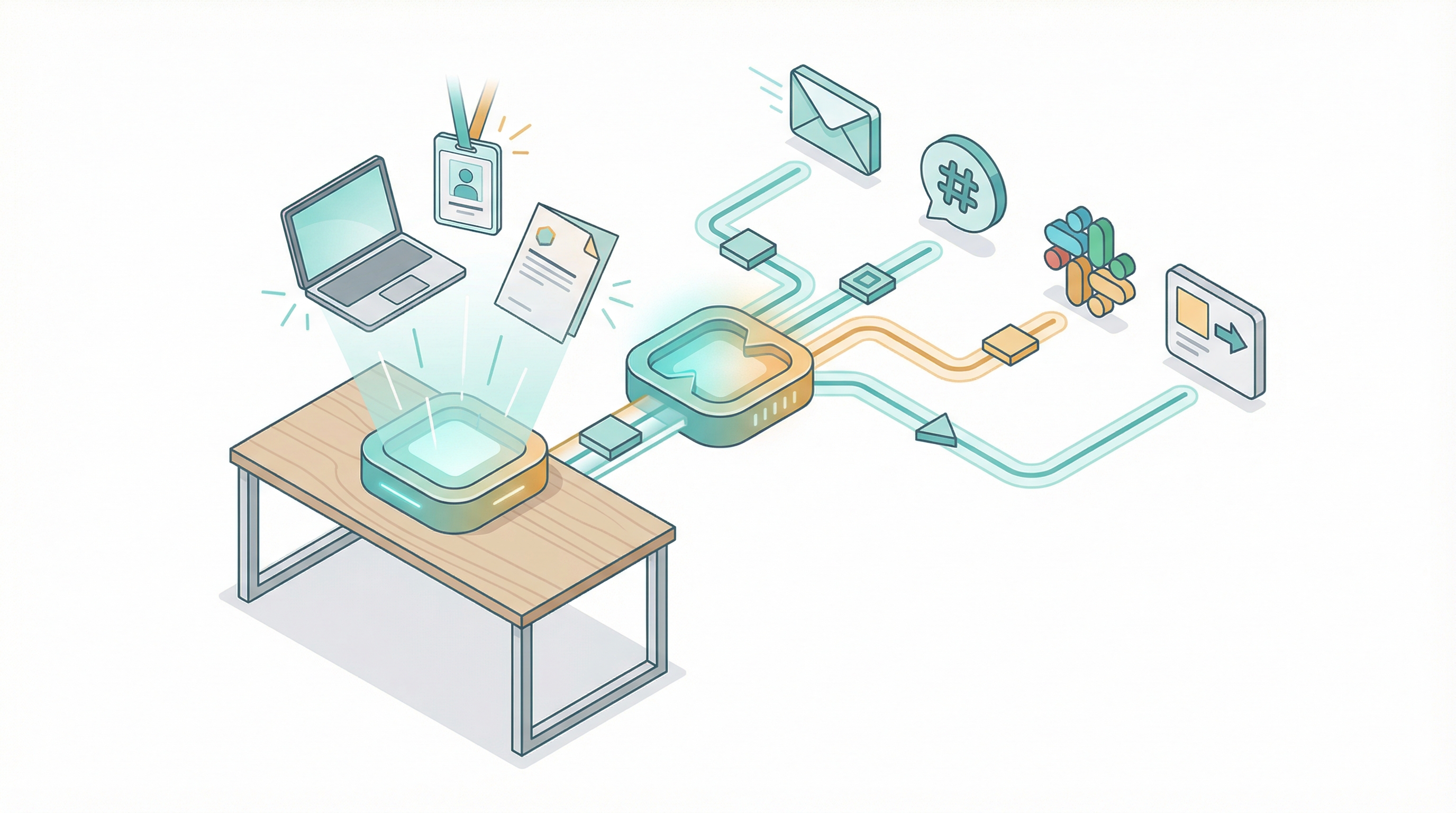
How to automate employee onboarding without code
I've onboarded over 200 people across four companies in 18 years. The worst one happened in 2019. A senior engineer showed up on Monday morning to an empty desk. No laptop. No email account. No Sla...

How to migrate from Zapier to Make or n8n
I migrated 47 Zaps last year. Took me three weeks, about 40 hours of actual work, and I broke two production workflows along the way. One was a Stripe webhook that silently stopped firing for 36 ho...
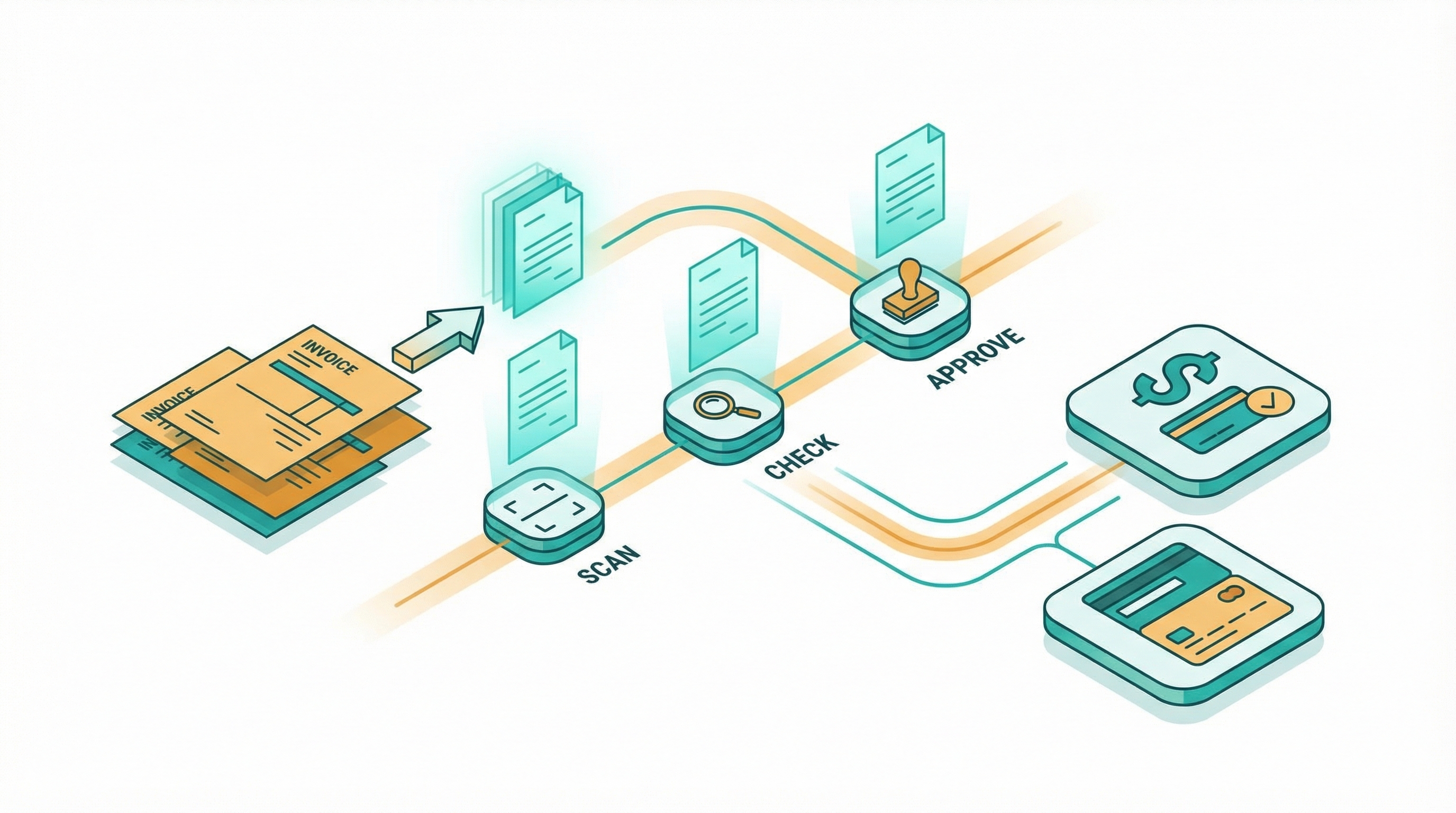
How to automate invoice processing without code
I spent two years manually processing invoices for a consulting business. Every Friday afternoon looked the same: download PDFs from email, retype line items into QuickBooks, cross-check amounts ag...