How to automate invoice processing without code
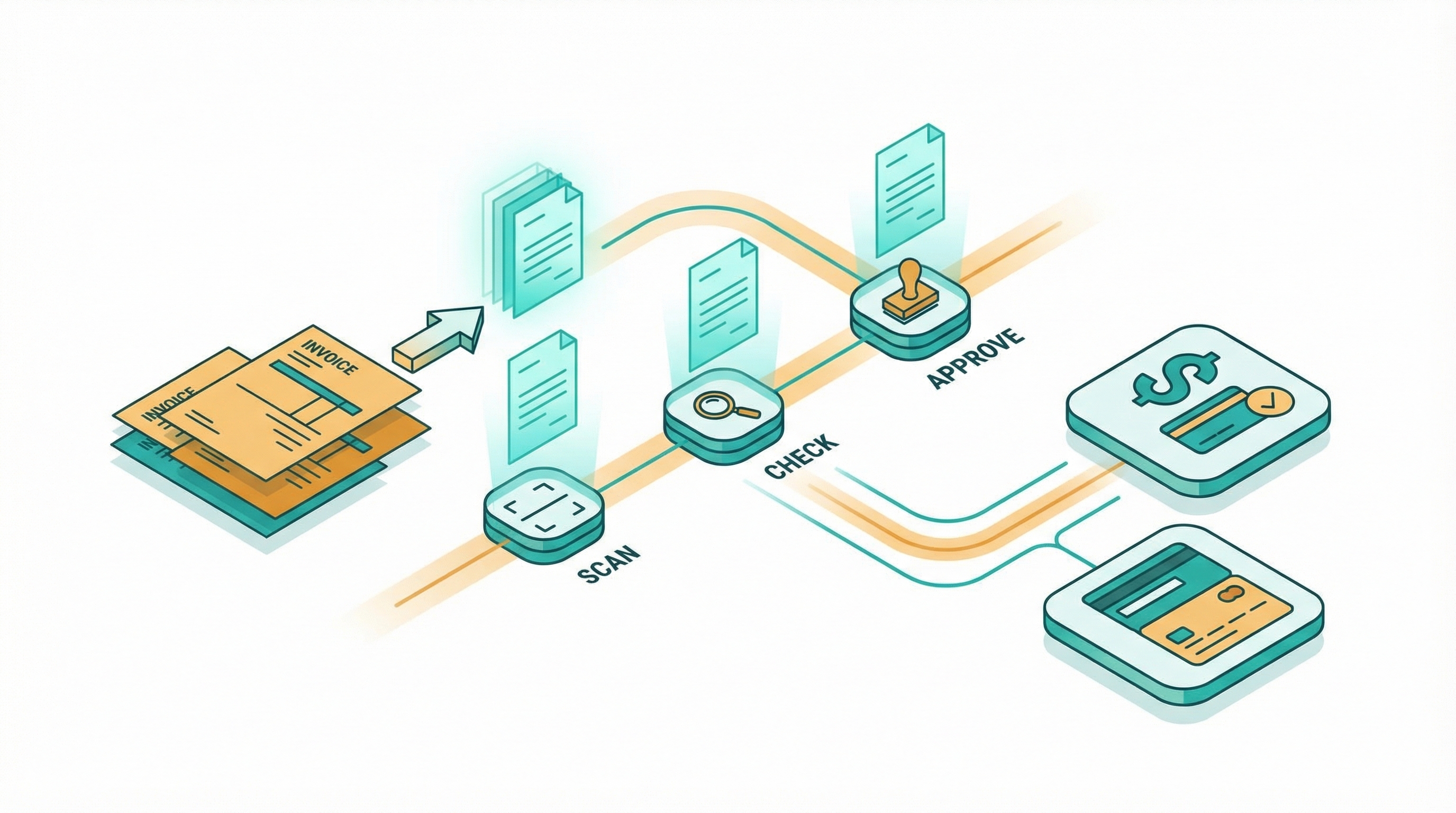
I spent two years manually processing invoices for a consulting business. Every Friday afternoon looked the same: download PDFs from email, retype line items into QuickBooks, cross-check amounts against purchase orders, chase approvals over Slack, then schedule payments one by one. Four hours per week on work that added zero value to anyone.
Then I paid the same invoice twice.
The vendor got $4,200 for a Q3 retainer, then got it again because I fat-fingered the invoice number during manual entry. Took three weeks to catch. Six more to get the refund.
That's when I stopped doing invoices by hand.
I automated the entire flow in one afternoon on Make. No code. Total cost: $10.59 per month. That was 14 months ago. I haven't manually typed an invoice line item since.
Here's what I learned, what tripped me up, and when to skip the DIY route.
What invoice automation actually looks like
Four steps. Every platform implements them differently, but my workflow follows the same logic everywhere I've built it.
Capture: invoices arrive by email, file upload, or API webhook, and the system pulls the PDF (or image) and sends it to an OCR tool that extracts the key fields: vendor name, invoice number, line items, amounts, due date. I use PDF.co through Make, which parses invoices into structured JSON at $0.005 per page.
For heavier volumes: Docsumo ($25/month for 500 documents), Nanonets ($499/month for mid-volume), or Rossum ($1,500/month and up for enterprise buyers).
Match: the extracted data gets compared against my existing records. Three checks: does this vendor exist in QuickBooks? Does the amount match an open PO? Is this a duplicate?
This step is where manual entry wrecks people. The industry average for manual data entry: a 1.6% error rate per invoice (DocuClipper, 2025). At 200 invoices per month, that's three mistakes guaranteed. Automated matching drops that below 0.5%.
Approve: invoices route to the right person based on rules I set. The logic: amount thresholds, vendor category, department codes. My $500 office supplies invoices auto-approve. My $15,000 contractor invoices go to the finance lead with a Slack notification and a 48-hour reminder attached, and all three platforms I've tested (Zapier, Make, n8n) support this kind of conditional routing without code.
Pay: once approved, the system pushes the invoice into my accounting tool with status set to "ready to pay." Payment scheduling stays in QuickBooks. The automation handles everything upstream of that final click.

Here's the cost reality. Manual invoice processing runs $12 to $19 per invoice depending on company size (Ardent Partners and IOFM benchmarks, updated 2025). Automated processing: $2.36 to $4.00.
I process 200 invoices monthly. My total tool spend: under $36. The savings come to roughly $2,000 per month.
Not theoretical savings. Actual dollars I stopped spending on a process that shouldn't require human hands.
Three ways to set it up
I've built invoice workflows on all three major platforms. Each works. The right pick depends on three things: volume, budget, and tinkering tolerance.
Zapier: fastest to launch
Zapier connects to over 7,000 apps. Lowest setup friction on the market. I had a basic invoice flow running in 25 minutes using their template library.
My workflow: Gmail attachment trigger connects to PDF.co for parsing, creates an invoice in QuickBooks Online, sends an approval via Slack, logs the record to Google Sheets. Five steps. Zapier counts each step as one task on your bill.
At 200 invoices per month: 1,000 tasks consumed. The Professional plan costs $29.99/month for 750 tasks. Over the limit immediately.
Real cost with overages: $49 to $69/month. At 500 invoices per month (2,500 tasks): past $100.
If you're under 150 invoices monthly, Zapier's the right starting point.
Make: best value for most businesses
Make charges per operation at dramatically lower rates. The Core plan: $10.59/month for 10,000 operations.
My five-step invoice workflow consuming 1,000 operations at 200 invoices barely touches the allocation. I've got 9,000 operations left over for other automations I run.
I built my primary invoice system on Make because the visual scenario builder handles branching logic well, and the way it lets me set up conditional paths makes complex routing simple. Invoices over $5,000: different approver. International invoices: currency conversion check. Duplicates: scan against my last 90 days of history. All visual. All drag-and-drop. No code editor in sight.
One warning: Make charges for attempted operations, not just successful ones. A scenario that fails on step three still bills for steps one through three. I learned this the hard way after a misconfigured scenario burned 400 operations in a single afternoon doing nothing useful.
Build error handling early.
At 500 invoices per month (2,500 operations): still inside the $10.59 plan. That same load on Zapier: $100 or more.
n8n: cheapest at scale
n8n counts entire workflow runs as single executions, regardless of how many nodes the workflow contains.
My five-step flow: one execution per invoice. Not five. One.
Cloud pricing: $20/month for 2,500 executions. At 200 invoices per month, that's 8% of my allocation. At 1,000 invoices: still under the cap.
The self-hosted Community Edition is free, with no per-run charges at all. I've seen deployments on Hetzner running 10,000+ invoice executions monthly at 3.79 euros in hosting costs, which is the kind of cost difference that makes you wonder why anyone pays Zapier $500/month for the same volume.
n8n also has 164 community-built invoice processing templates, and many of them handle the full capture-match-approve-pay chain out of the box with webhooks, HTTP nodes, and file handling built right in.
The tradeoff: steeper learning curve. If "webhook" and "JSON parsing" don't mean anything to you, that's fine. Start with Make. Come back to n8n when your volume justifies the switch.
The parts that trip people up
The four-step flow sounds clean on paper. Real life is messier. Three problems come up again and again.
PDF parsing accuracy. Not all invoices parse the same. A clean digital PDF from Stripe: perfect every time. A photographed invoice from a contractor's phone, sent as a JPEG inside Gmail: that's another story.
OCR accuracy has improved (Nanonets reports 93-96% out of box, reaching 98%+ with custom training), but edge cases are real. My workaround: any invoice the parser flags as low-confidence gets routed to a manual review queue instead of auto-processing.
That catches about 5% of my volume.

Multi-currency invoices. International vendors mean currency conversion in your workflow, and the automation needs to pull the current exchange rate at receipt time, calculate the local equivalent, and flag any discrepancies above a threshold you set.
Make handles this with built-in math functions and HTTP modules (I pull rates from exchangerate-api.com). n8n has a Code node for custom logic, but that means writing JavaScript. Defeats the purpose.
Approval bottlenecks. My automation routes invoices instantly. My approvers don't respond instantly.
I learned this the hard way: my first setup sent approvals to email, where they sat unread for days because nobody checks email hourly. Switching to Slack notifications with a 48-hour auto-reminder cut my average approval time from 4.2 days to 16 hours.
If your team isn't on Slack, try SMS or a tool like Kissflow.
When to stop and hire someone
I've automated invoice processing for a business that handles 200 invoices per month across a dozen vendors, and that volume sits firmly in DIY territory. But there's a ceiling, and it's worth being honest about where it sits.
Volume above 500 per month. The edge cases multiply: more vendors, more invoice formats, more exceptions that break your parsing rules. A dedicated AP automation platform (Bill.com at $45/user/month, Tipalti for mid-market, Stampli for enterprise) makes more sense than a general-purpose workflow tool at that scale.
Three-way matching requirements. If your business needs to match invoices against both purchase orders and goods receipts before approving payment, the logic gets complex fast.
I've built two-way matching (invoice to PO) on Zapier and Make without issues. True three-way matching with exception handling and tolerance thresholds is a job for purpose-built AP software, not a workflow tool you configured on a Saturday.
Compliance or audit requirements. If your industry demands SOX compliance, detailed audit trails, or specific approval documentation, general automation tools won't satisfy your auditors and dedicated AP platforms are the only option that maintains the paper trail your compliance team actually needs.
You don't have the afternoon. Setup takes 2 to 4 hours. If that time doesn't exist in your schedule, a freelance automation consultant on Upwork charges $50 to $150 for a turnkey invoice workflow. Cheaper than the hours you'd spend learning from scratch.
Pick the tool, build the flow
Here's my honest recommendation after building this on all three platforms and watching the costs play out over more than a year of production usage.
Under 150 invoices monthly, want it running today: Zapier. You'll pay more per invoice, but you'll have it done by dinner.
Between 150 and 1,000 invoices monthly: Make. Spend one afternoon learning the interface. That afternoon saves you $40 to $90/month compared to Zapier for the exact same workload.
Over 1,000 invoices monthly or comfortable with technical tools: n8n. Per-execution pricing means costs barely move as volume scales up. Self-host for maximum savings.
Here's the number that settled it for me: manual processing at $15 per invoice times 200 invoices is $3,000 per month in labor and error costs.
My automated setup on Make: $10.59 for the platform plus $25 for PDF.co parsing. Total: $35.59 per month for the same output that used to cost me four hours every Friday and $3,000 in fully loaded processing expense.
Every month I waited was a month I chose the $3,000 option.
I haven't entered an invoice manually in over a year.
I don't miss it.
Invoice processing cost benchmarks from Ardent Partners and IOFM (2025 data). OCR accuracy figures from Nanonets and Docsumo published specifications. Platform pricing verified March 2026 from official pricing pages. Error rate statistics from DocuClipper AP research (2025).
Crux helps businesses find the right automation platform for their specific problem. We don't sell automation tools. We help you pick the right one.
Related Posts
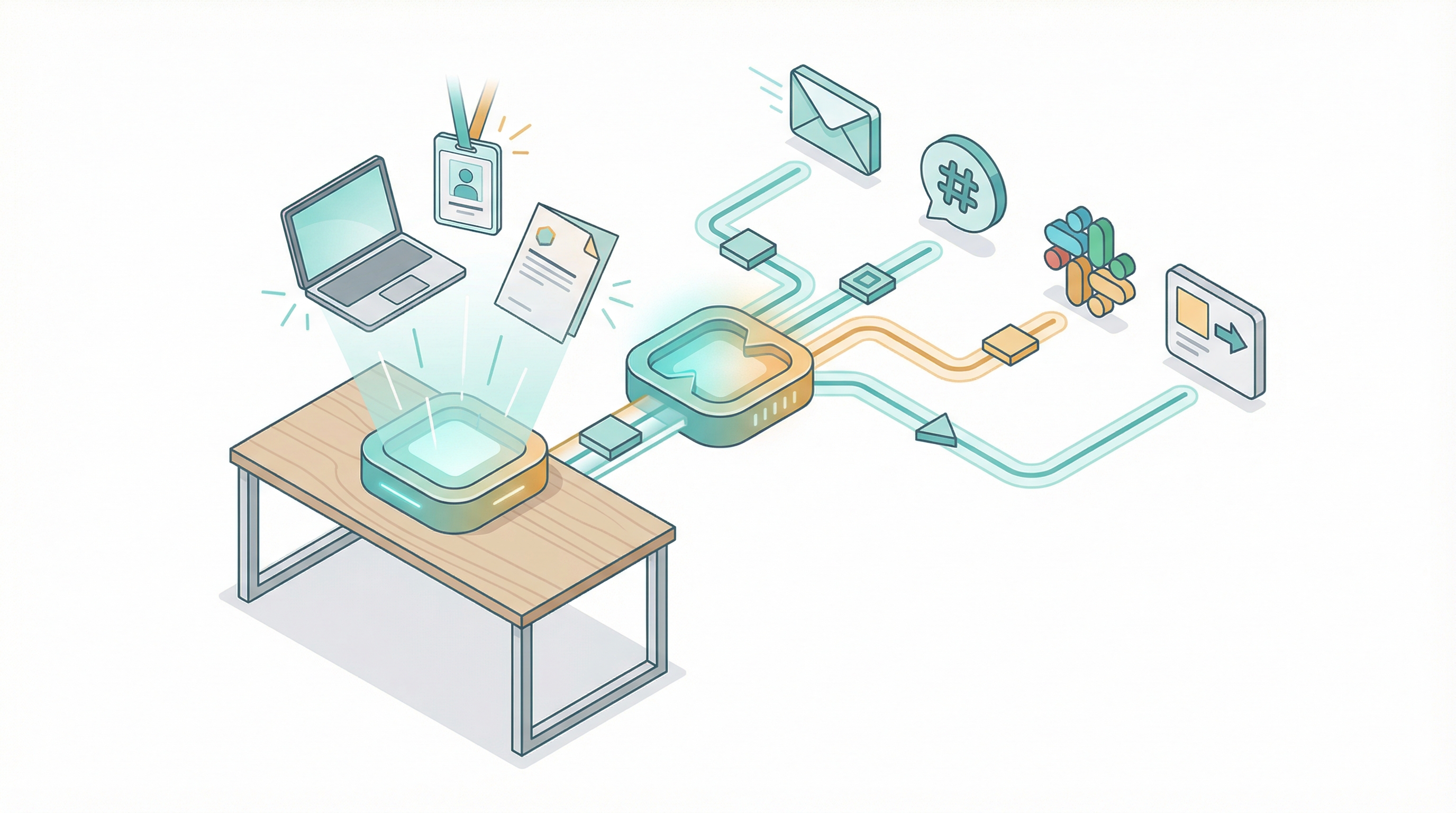
How to automate employee onboarding without code
I've onboarded over 200 people across four companies in 18 years. The worst one happened in 2019. A senior engineer showed up on Monday morning to an empty desk. No laptop. No email account. No Sla...

How to migrate from Zapier to Make or n8n
I migrated 47 Zaps last year. Took me three weeks, about 40 hours of actual work, and I broke two production workflows along the way. One was a Stripe webhook that silently stopped firing for 36 ho...
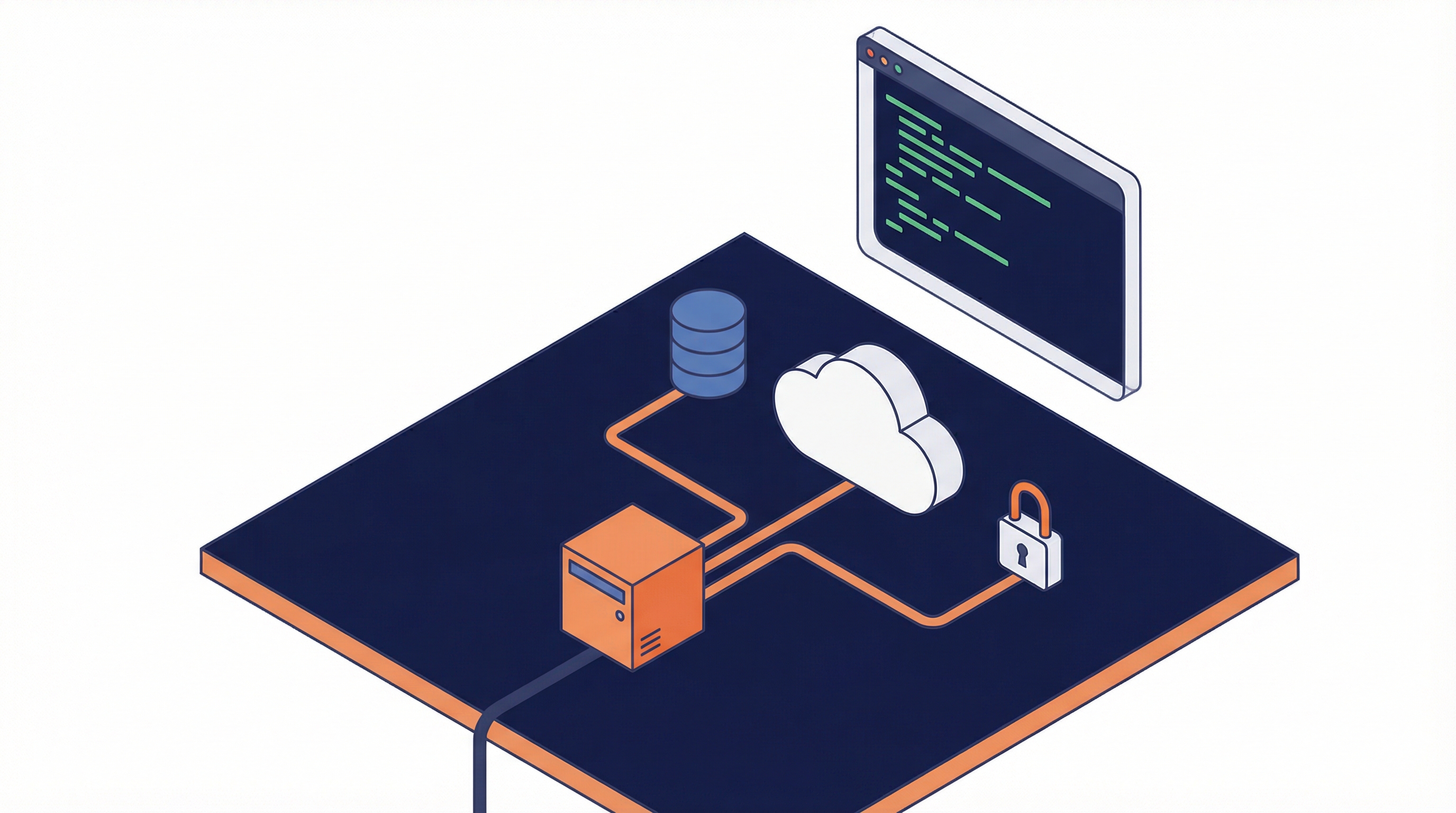
How to self-host n8n when you are not an engineer
I self-hosted n8n on an $8 VPS last month. The whole thing took about 45 minutes, and I'm not a sysadmin or someone who runs servers for a living. I just got tired of watching my n8n Cloud bill gro...