How to automate employee onboarding without code
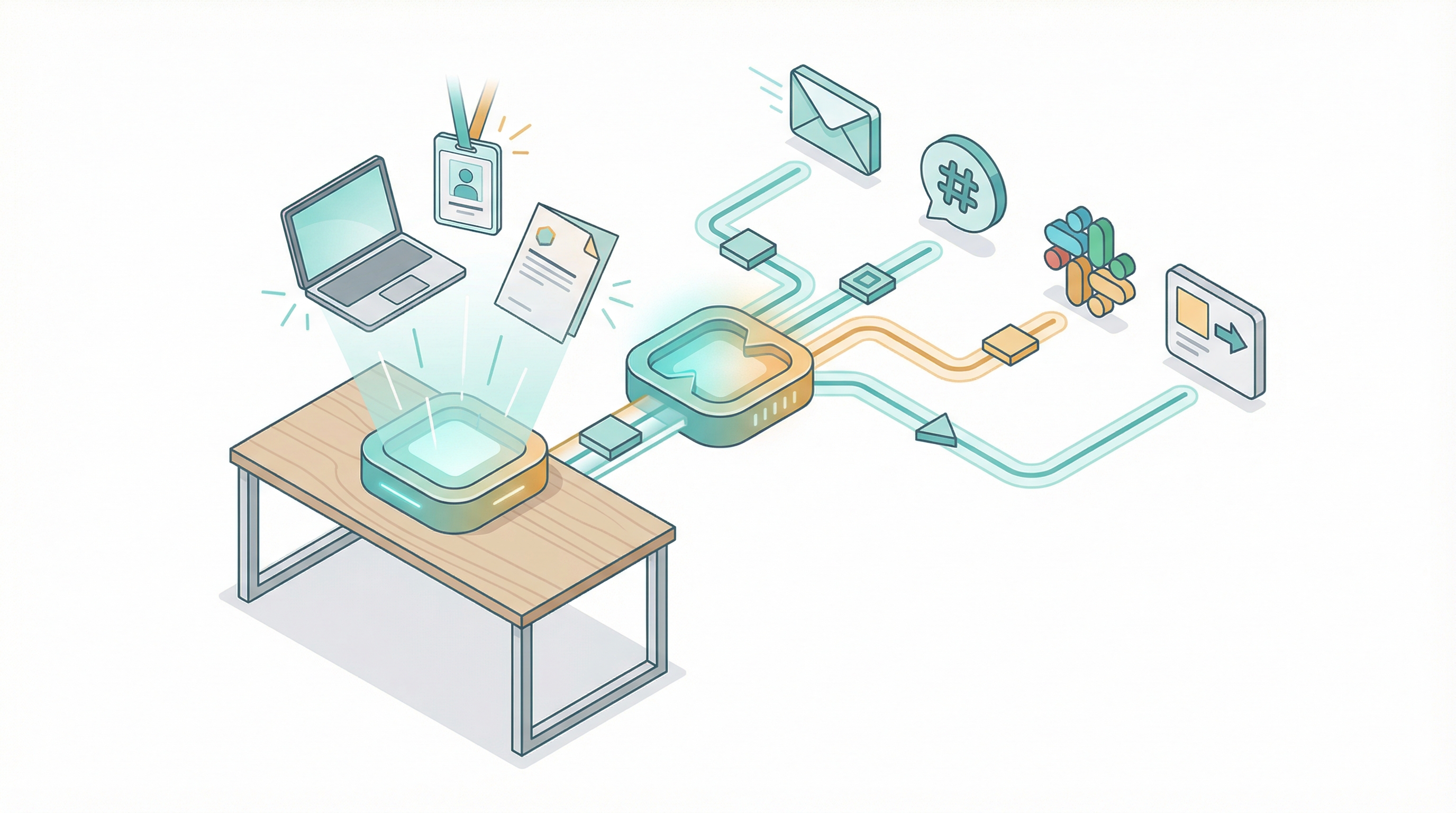
I've onboarded over 200 people across four companies in 18 years. The worst one happened in 2019. A senior engineer showed up on Monday morning to an empty desk. No laptop. No email account. No Slack access. HR had sent the offer letter three weeks earlier and then done nothing. IT never got the ticket. The hiring manager assumed someone else handled it. The new hire sat in a conference room reading the employee handbook on her phone for six hours.
She almost quit before lunch.
That's not a management failure. That's a process failure. Every step between "offer accepted" and "productive employee" is a handoff, and every handoff is a place where things break. The fix isn't better managers. The fix is removing the handoffs entirely.
I've built onboarding automations for three organizations since then. The pattern is the same every time: identify the checklist, connect the systems, let the workflow handle the sequencing. No code required.
The checklist that should run itself
Here's what actually happens when a new hire accepts an offer. I've tracked this across BambooHR, Gusto, and Rippling implementations.
Automatable (no human judgment needed):
- Send offer letter and collect signed copy
- Route I-9, W-4, and direct deposit forms
- Create Google Workspace or Microsoft 365 account
- Add to Slack channels (team, general, announcements)
- Create IT equipment request ticket in Jira or Asana
- Send welcome email sequence (day -7, day -1, day 1)
- Add to payroll system
- Generate onboarding checklist for the manager
- Schedule orientation meetings on the calendar
- Provision access to internal tools (GitHub, Notion, Figma)
Not automatable (requires a human):
- Mentor assignment and relationship building
- Culture conversations and team introductions
- Role-specific context that only the manager holds
- First-week check-ins and feedback loops
- Career development discussions
The split is 60/40. Sixty percent of onboarding tasks are pure data movement and scheduling. They don't need judgment. They need triggers.
SHRM estimates the average cost-per-hire at $4,700. Companies with structured onboarding see 82% better retention (Brandon Hall Group data). Two in five HR managers who handle onboarding manually spend three or more hours per new hire just on paperwork. Digital onboarding platforms save an average of 18 hours per hire across HR and IT combined.
The math isn't complicated. Automate the 60% that's mechanical so humans can focus on the 40% that actually matters.

Three platforms, three approaches
I've built onboarding workflows on all three. Here's what I found.
Zapier: fastest to build
Zapier connects to over 7,000 apps. BambooHR is a first-class integration with triggers for "New Employee" and "Employee Status Change." The workflow I built took 40 minutes from start to finish.
The structure: BambooHR trigger fires when a new hire is added. Zapier creates a Google Workspace account through the Admin SDK integration. A Slack message posts to the #new-hires channel with the employee's name, role, start date, and manager. A Jira ticket gets created for IT equipment provisioning. A welcome email sends through Gmail with first-day instructions and parking info.
Five steps. Five tasks per hire on your Zapier bill. At 10 hires per month, that's 50 tasks. The Professional plan ($29.99/month for 750 tasks) covers it easily. At 50 hires per month, you're at 250 tasks. Still fine.
Onboarding is low-volume compared to lead processing or invoice workflows. Zapier's per-task pricing, which punishes high-volume automations, barely matters here. For most businesses hiring fewer than 30 people per month, Zapier is the pragmatic choice.
Make: best for complex routing
Make charges per operation at roughly one-eighth of Zapier's cost. The Core plan ($10.59/month) includes 10,000 operations. But the real advantage for onboarding isn't price. It's branching logic.
I built a Make scenario that routes differently based on department. Engineering hires get GitHub access, a Notion workspace, and a different Slack channel set than sales hires. Sales hires get HubSpot provisioning, Gong access, and a CRM training sequence. The visual scenario builder handles conditional paths cleanly without duplicating the entire workflow.
Make connects to BambooHR, Gusto, Google Workspace, Slack, Jira, PandaDoc (for document generation), and over 3,000 other apps. The onboarding scenario I use has 12 operations per hire across the conditional branches. At 20 hires per month, that's 240 operations. The base plan covers it 40 times over.
If your onboarding process differs by department, location, or employment type (full-time vs. contractor), Make handles the branching better than Zapier does.
n8n: most control, cheapest at scale
n8n charges per workflow execution, not per step. A 15-node onboarding workflow that creates accounts, sends messages, generates documents, and provisions tools counts as one execution. At 20 hires per month, that's 20 executions. The Starter plan (20 euros/month for 2,500 executions) is comically overprovisioned for onboarding volume.
I built an n8n workflow triggered by a webhook from our HRIS. It pulls the employee data, creates a Google Workspace account via the Admin API, invites the user to five Slack channels, creates a Notion onboarding page from a template, generates a welcome PDF through a Google Docs template, emails it to the new hire, and posts a summary to the HR team's Slack channel. Eight nodes. One execution.
The self-hosted Community Edition is free. Unlimited executions. I run mine on a $12/month DigitalOcean droplet alongside two other workflow automations. If "webhook" and "API" don't scare you, n8n gives you the most control for the lowest cost.
The tradeoff: n8n's BambooHR node supports fewer triggers than Zapier's integration. You'll likely use a webhook or a scheduled poll instead of a native trigger. That adds 15 minutes of setup, not 15 hours.
The workflow that saves 6 hours per hire
Here's the specific automation I recommend for any company hiring more than five people per month.
Trigger: New employee record created in HRIS (BambooHR, Gusto, or Rippling)
Step 1: Create Google Workspace account with department-appropriate organizational unit
Step 2: Send Slack invitation and add to channels (general, team-specific, onboarding)
Step 3: Create IT provisioning ticket in Jira with equipment specs based on role
Step 4: Generate welcome email with first-day logistics, sent to personal email on file
Step 5: Create manager onboarding checklist in Asana or Notion with due dates relative to start date
Step 6: Schedule 30-minute orientation block on the new hire's calendar for day one
Six steps that used to involve three departments, four email chains, and at least two things falling through the cracks. The automated version runs in under 90 seconds. The manual version took 3 to 6 hours spread across a week, and it failed 20% of the time (no laptop, no email, wrong Slack channels).

The cost comparison at 20 hires per month:
| Platform | Monthly cost | Cost per hire |
|---|---|---|
| Zapier (Professional) | $29.99 | $1.50 |
| Make (Core) | $10.59 | $0.53 |
| n8n Cloud (Starter) | ~$20 | $1.00 |
| n8n self-hosted | ~$12 (hosting) | $0.60 |
Compare that to 3 to 6 hours of HR coordinator time at $25 to $35/hour. The automation pays for itself on the first hire of the month.
Where automation stops and humans start
I've watched companies try to automate culture. It doesn't work.
Automated welcome emails are fine. Automated Slack introductions are fine. An automated "your buddy this week is Sarah from Product" message with a calendar link is fine. But the actual relationship between a new hire and their team can't be sequenced through a workflow node.
The 42% of new employees who show up to no laptop, no desk, no phone (HRZone research) aren't suffering from a culture problem. They're suffering from a logistics problem. Automation fixes logistics.
Here's what I keep human in every onboarding process I've built:
- The hiring manager's welcome call on day one
- Mentor pairing based on personality and working style
- First-week daily check-ins (even 10 minutes matters)
- The "ask me anything" conversation at day 30
Those four things predict retention more than any workflow automation. But they only happen consistently when the manager isn't drowning in logistics tasks that should have been automated two years ago.
One security note: onboarding workflows handle PII. Social security numbers, bank routing info, home addresses. Don't run this data through free-tier automation accounts with no encryption guarantees. All three platforms (Zapier, Make, n8n Cloud) encrypt data in transit and at rest on paid plans. If you self-host n8n, encrypt your database and use HTTPS on every webhook endpoint. PII in plaintext on a $5 VPS is how data breaches happen.
Getting started this weekend
Pick the platform that matches your team. If nobody on staff has configured a webhook, start with Zapier. If you need department-based routing, go with Make. If you have someone technical who wants full control, use n8n.
Connect your HRIS first. BambooHR, Gusto, and Rippling all have integrations on all three platforms. Then add one system at a time: Google Workspace first, then Slack, then your project management tool.
Don't build a 20-step workflow on day one. Start with three steps that cover the three things that fail most often: email account creation, Slack access, and equipment requests. Run it for a month. Then expand.
I've seen companies cut their onboarding failure rate from 20% to near zero with a workflow that took an afternoon to build. The tools cost less than your team's coffee budget. The new hire who shows up to a working laptop, an active email account, and a Slack channel full of welcome messages on day one will never know how close they came to spending six hours in a conference room reading the handbook on their phone.
That's the point. Good automation is invisible. Bad onboarding isn't.
Onboarding statistics from SHRM (cost-per-hire), Brandon Hall Group (retention impact), and HRZone (equipment readiness surveys). Platform pricing verified March 2026. Time savings estimates based on HR Cloud benchmarks (2-6 hours per hire) and the author's direct implementation experience across three organizations.
Crux helps businesses find the right automation platform for their specific problem. We don't sell automation tools. We help you pick the right one.
Related Posts

How to migrate from Zapier to Make or n8n
I migrated 47 Zaps last year. Took me three weeks, about 40 hours of actual work, and I broke two production workflows along the way. One was a Stripe webhook that silently stopped firing for 36 ho...
How to automate invoice processing without code
I spent two years manually processing invoices for a consulting business. Every Friday afternoon looked the same: download PDFs from email, retype line items into QuickBooks, cross-check amounts ag...
How to self-host n8n when you are not an engineer
I self-hosted n8n on an $8 VPS last month. The whole thing took about 45 minutes, and I'm not a sysadmin or someone who runs servers for a living. I just got tired of watching my n8n Cloud bill gro...