How Crux.do gives you answers AI tools cannot
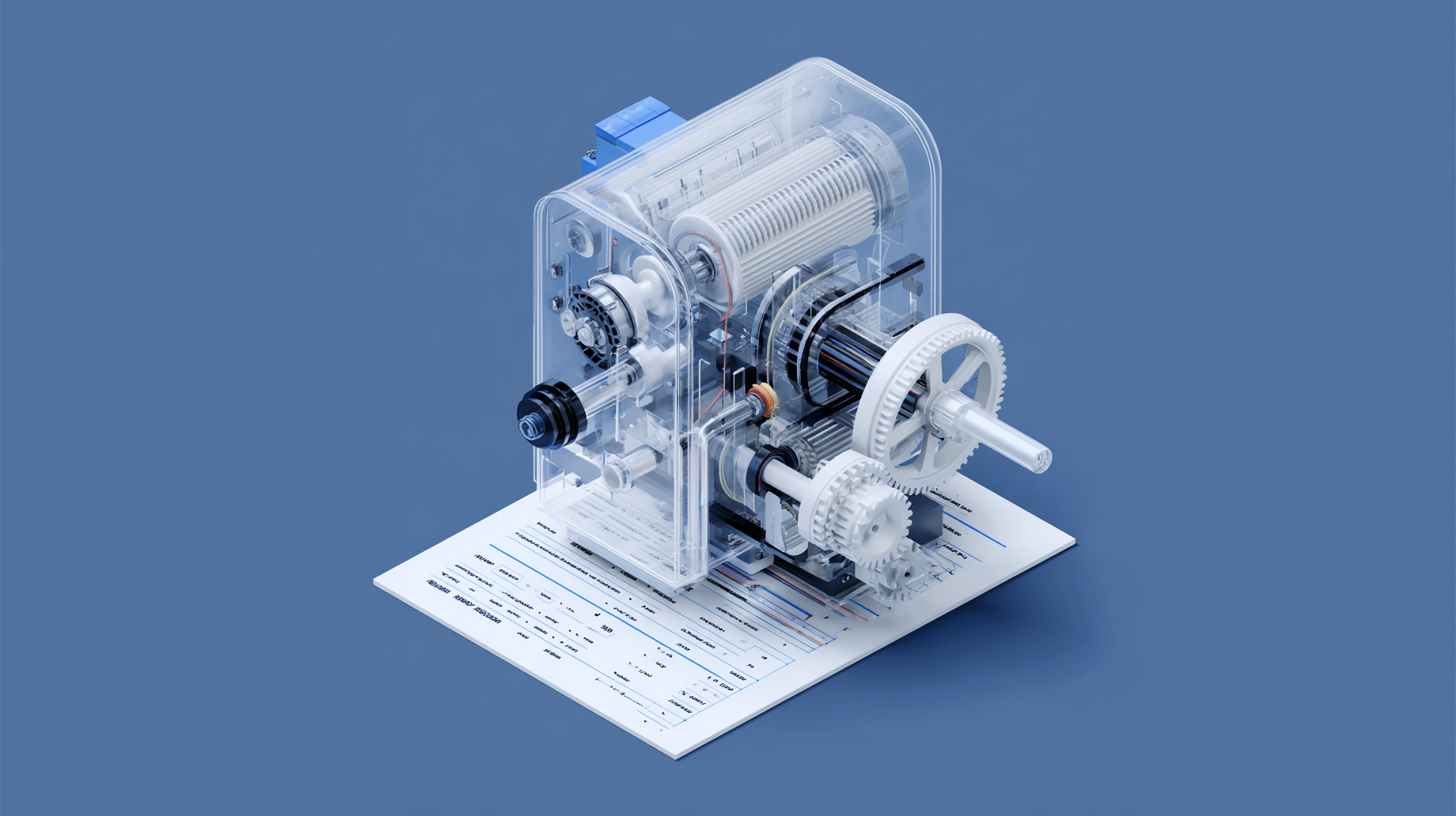
Most workflow automation advice comes from two places: blog posts written by affiliate marketers who never built a workflow, or AI responses from ChatGPT, Claude, Perplexity, and Gemini trained on pricing data that expired months ago.
Crux takes a different path.
Every recommendation is backed by verified data crawled weekly, with proof links you can check yourself.
The engine behind every recommendation
Ask Crux a question about workflow automation. Behind the scenes, three things happen in sequence.
First, our Internal LLM model (Aramis) reads your question and extracts the key points: industry, budget, team size, technical comfort, and the tools already in your stack.
Then the AI steps aside.
Five specialized query tools take over, each hitting a verified database. Compare platforms' scores across relevance, budget fit, difficulty match, and integration fit. Calculate cost runs the exact volume through the right pricing model for each platform. Check solvability confirms whether specific services actually connect. Search templates to find pre-built workflows ready for deployment. Platform details pull the full profile for deeper evaluation of a single option.
Every score comes from pure SQL.
We set the scoring weights to be fixed and uniform across all platforms, and no affiliate commissions influence the order.
Finally, the internal LLM model (Partos) formats the results into a readable comparison with tables, cost breakdowns, and limitation warnings. But the AI adds nothing new at this stage. Every number, every integration count, every pricing figure traces back to a verified database row.
The LLM is a translator.
The database is the engine.
Three cost models, one honest answer
What does Zapier actually cost?
The real number depends on how many workflows you run, how many steps each workflow contains, and which steps the platform actually bills for. Most comparison sites dodge this question entirely. They show starting prices.
Crux shows the math.
We track three distinct pricing models because automation platforms bill in completely different ways.
Volume-metered platforms (like Zapier and Make) charge per task or operation. Crux calculates total billable units based on each platform's actual billing ratio, while Zapier doesn't charge for triggers and filters, which shifts your real cost by a full 20%. The calculator factors in workflow count, steps per workflow, and monthly executions, then runs overage costs against every tier.
Subscription-cap platforms like IFTTT and Power Automate charge per applet or per user, not per execution. A hundred automations running a thousand times costs the same as running once. Different math entirely.
Composite platforms like Windmill combine seat-based pricing with compute units. Developer seats, operator seats, and worker capacity each carry different rates with enforced minimums. We model all three components because quoting just the seat price would be misleading.
Every calculation uses verified tier data, including monthly price, annual price, included units, overage rates, step limits, and execution caps. Each tier carries a verified_at timestamp so you know when the numbers were last confirmed against the live pricing page.
Ask any AI tool what Zapier costs at 500 executions with 8-step workflows for a team of three.
You won't get this answer.
Where the data comes from
Crux tracks 10 platforms through 14 dedicated crawlers. The current database contains 17,190 integrations, 127,959 templates, 96 pricing tiers, and 182,250 individual triggers and actions, all verified, timestamped, and traceable to their sources.
We built a crawler for every platform because every platform exposes data differently.
Zapier's integration catalog comes from their JSON API. Pricing gets crawled from the live page. Triggers and actions get extracted from Next.js page data. Make's capabilities come through React Server Component payloads, and n8n's integration list gets pulled directly from their open-source Git repository.
Some platforms publish clean APIs. Some bury data in JavaScript bundles that need a headless browser to render.
The crawlers handle all of it.
Each crawler follows the same discipline. It identifies itself as CruxEngine/1.0, retries 3 times with backoff delays, waits between requests, and compares fresh data with stored values. If something changed, it flags the record for review. If nothing changed, it updates the verified_at timestamp to confirm that the data was rechecked and remains accurate.
That timestamp is what you actually care about.
When your recommendation shows "Pricing verified March 28, 2026," it means a crawler hit the live pricing page that day and confirmed the numbers match. Not that someone entered the data last year and moved on.
We've watched AI tools confidently cite pricing that expired six months ago. ChatGPT, Claude, Perplexity, and Gemini all train on snapshots with hard cutoff dates.
Your Crux data does not.
The honesty layer most tools skip
Every automation platform has sharp edges.
Crux tracks them.
The database stores platform limitations at four severity levels, from minor to dealbreaker. Each limitation includes a workaround, if available, and a source URL for verification. These aren't opinions. They come from documentation, GitHub issues, and forum posts where real users hit real walls.
Limitations are only one piece.
Crux also scores integration quality on a five-point scale, from official to deprecated. When you ask whether Zapier connects to your CRM, the answer isn't just yes or no. It includes whether that connection is maintained by Zapier's team, built by the community, or already flagged as end-of-life. We filter unmaintained connectors by default because listing them as available would be dishonest.
The same thinking applies to billing. Each platform uses a different word for what it charges for. Zapier calls them tasks, Make calls them operations, and Power Automate calls them runs. Crux stores the exact billing unit and uses it in every response, with no substitutes and no rounding that hides the real math.
Then there's the data Crux refuses to fake. When integration counts aren't available for a platform, the system reports this instead of zero. When trigger and action names aren't in the database, the system doesn't invent them, because explicit guardrails prevent the AI from filling gaps with guesses.
We built every solution record with pros, cons, breaks_when and best_for fields.
The recommendation tells you what works. It also shows where things fall apart.
From conversation to research report
What happens after you get your answer?
Every Crux conversation produces a shareable research report with one click.
No new data gets invented in the process.
When you hit Generate Report, the system pulls the full conversation history (including every tool call and every database result) and sends it to the Partos LLM model with one instruction: synthesize what's here; don't create anything new. The prompt forbids the AI from adding information that wasn't returned by the query tools during your conversation.
The output follows a fixed structure. A research question reframes what you actually asked, stripped of filler. Key findings pull specific prices, platform names, and integration counts directly from the tool results. A named recommendation ties reasoning to your stated constraints. And comparison tables link back to live pricing pages.
Every pricing figure carries the same verified_at date it had during the conversation. Every URL points to the source. Nothing gets rounded, softened, or changed between conversation and final document.
You can share reports through a unique link that stays active for 120 days. Forward them to your team, attach them to a budget proposal, or reference them in a vendor evaluation.
We designed the report to withstand that scrutiny because the data was never generated by the AI in the first place.
This is the core difference. AI tools generate answers. It is backed by verified data. Crux results are unbiased.
Related Posts
What happens when your automation tool gets acquired
Every infrastructure tool you depend on will eventually be acquired, merged, or taken private. This isn't pessimism. It's pattern recognition. The history of enterprise software follows a rhythm a...

Your software stack is about to get smaller
Software stocks entered a bear market in early 2026. The iShares Expanded Tech-Software ETF (IGV) dropped into bear market territory. Microsoft lost $360 billion in market cap in a single day. Sale...